Certificate Locked
Complete the course to unlock the certificate
0% Completed
Required 100%
In this lesson, we’ll walk through how Agentforce uses variables and filters to create predictable, secure, and reliable agent behavior.

Deterministic logic is achieved by combining variables which store information and filters which control when agents are allowed to act.
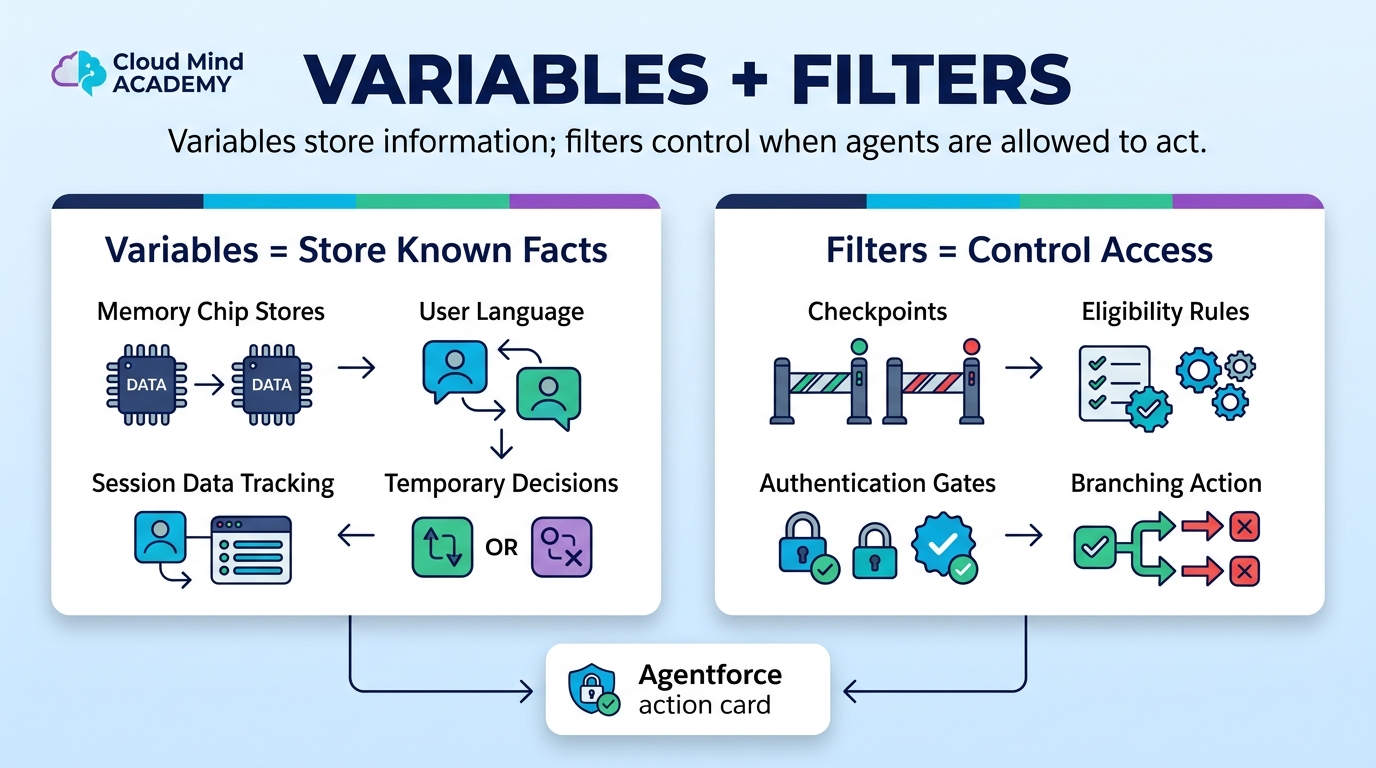
Think of variables as an agent’s memory. They allow the agent to store information, reference it later, and make decisions based on known facts rather than guesswork.
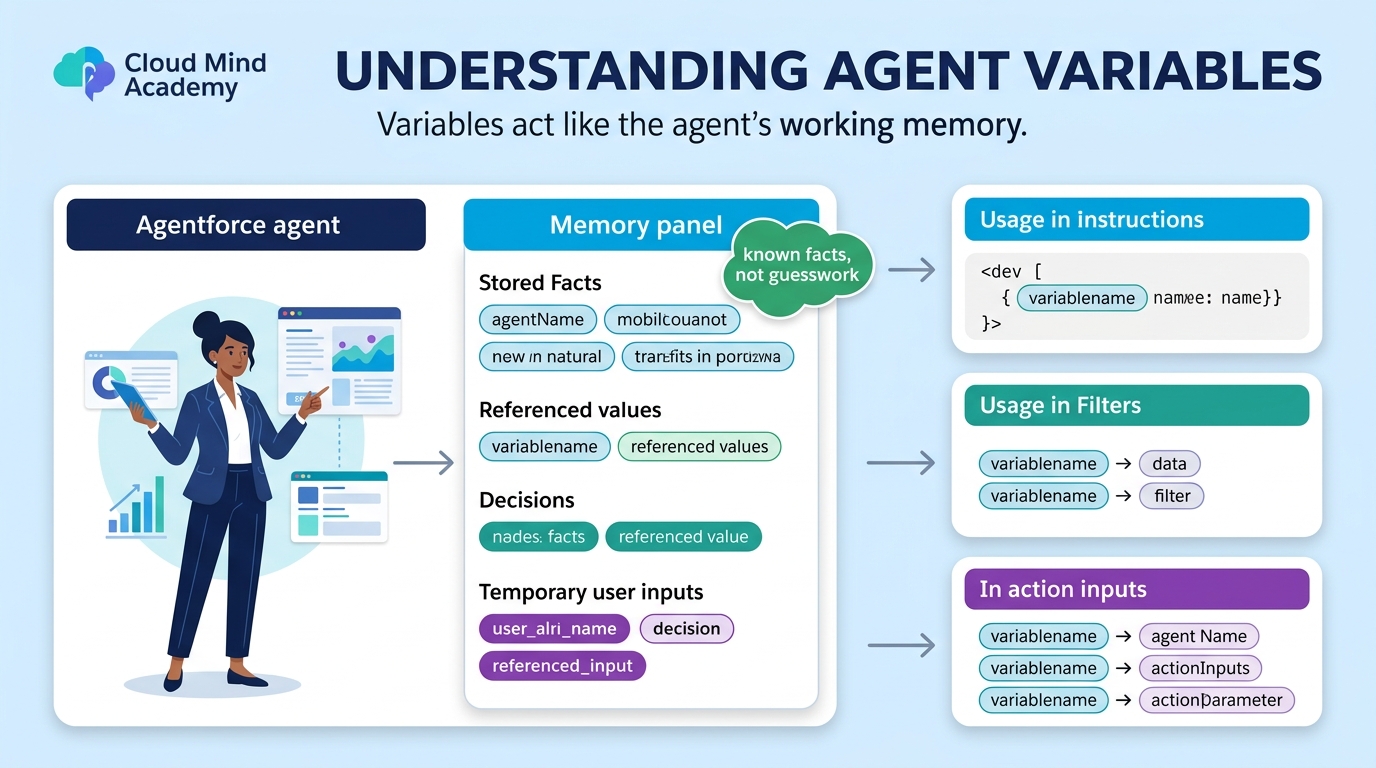
Variables are used throughout Agentforce in instructions, filters, and action inputs to ensure behavior remains consistent and secure.
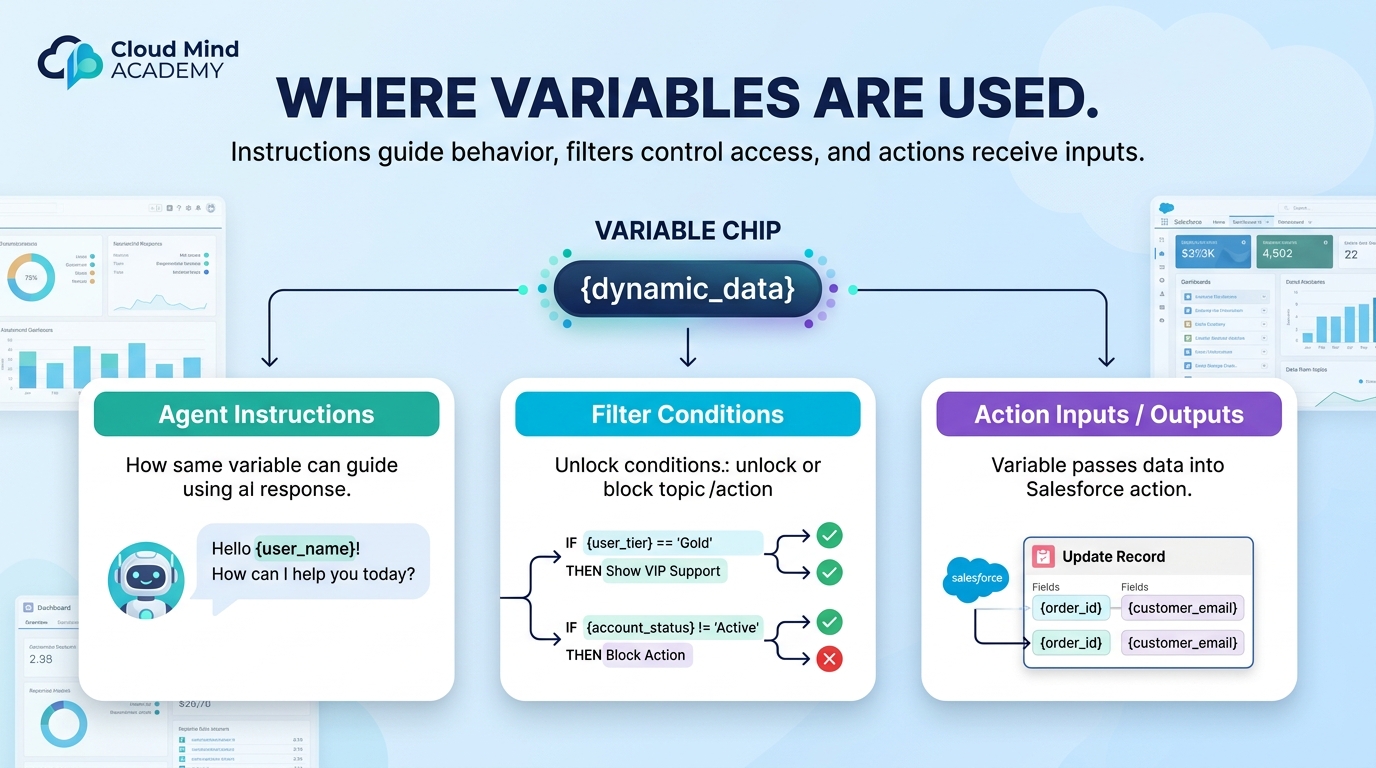
Context variables represent system-provided data. These values are automatically supplied by Salesforce and cannot be changed by the agent.
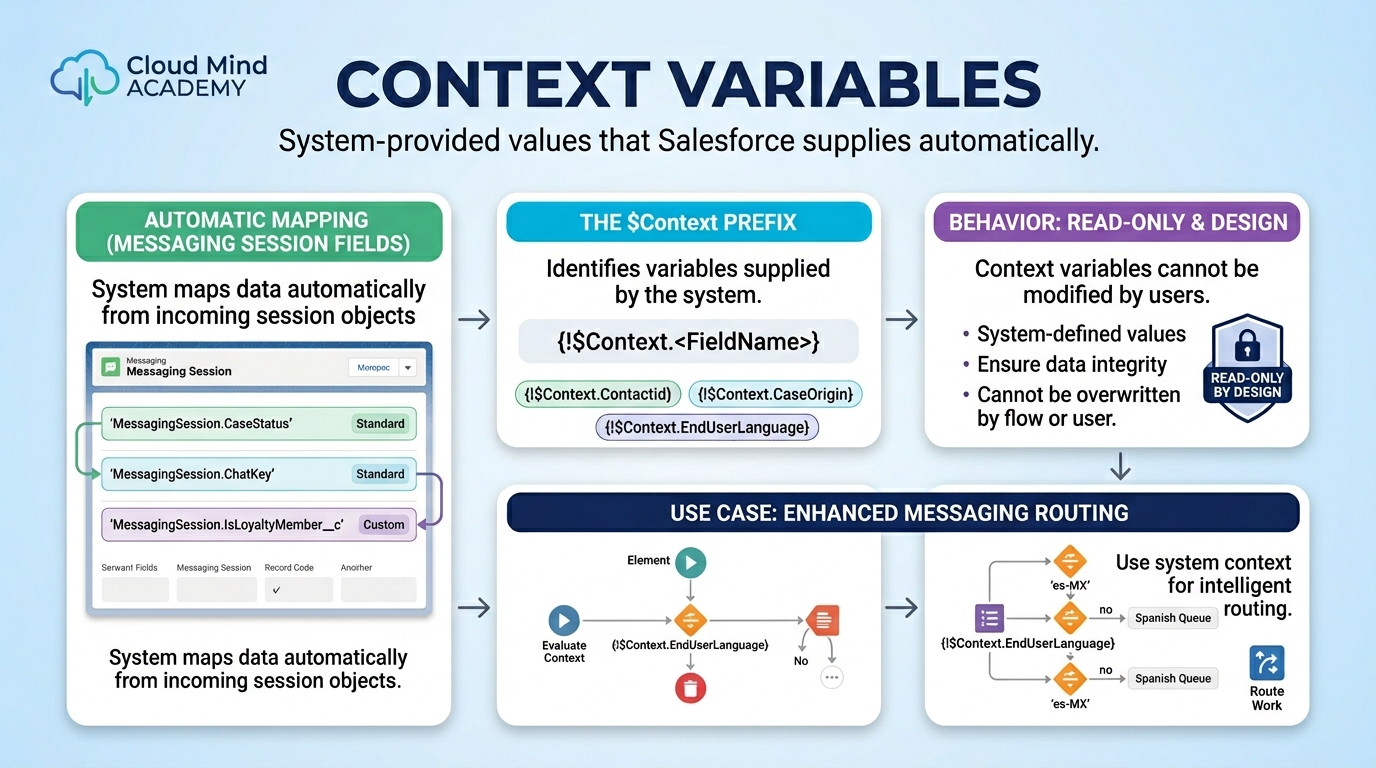
$Context, for example: {!$Context.EndUserLanguage}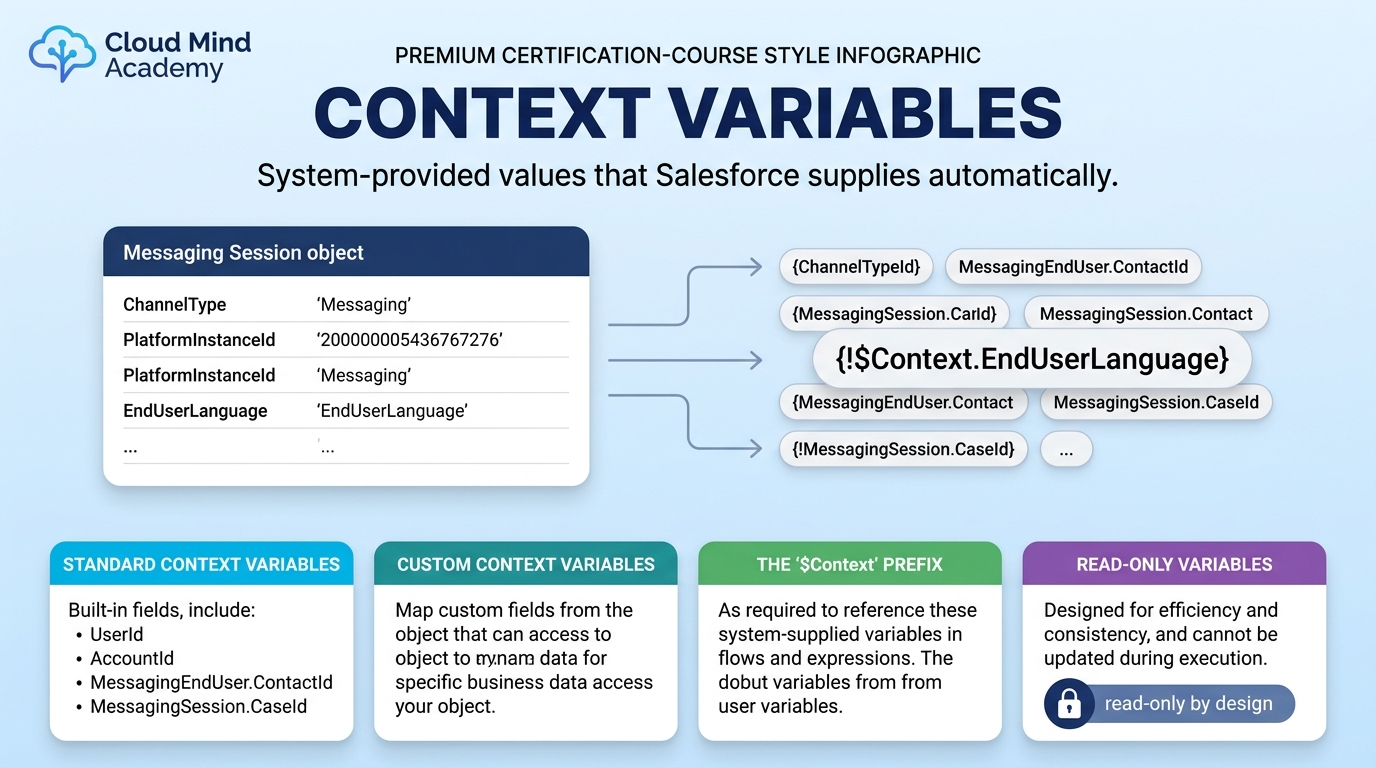
Conversation variables store information that only matters during a single interaction. Once the conversation ends, these values disappear.
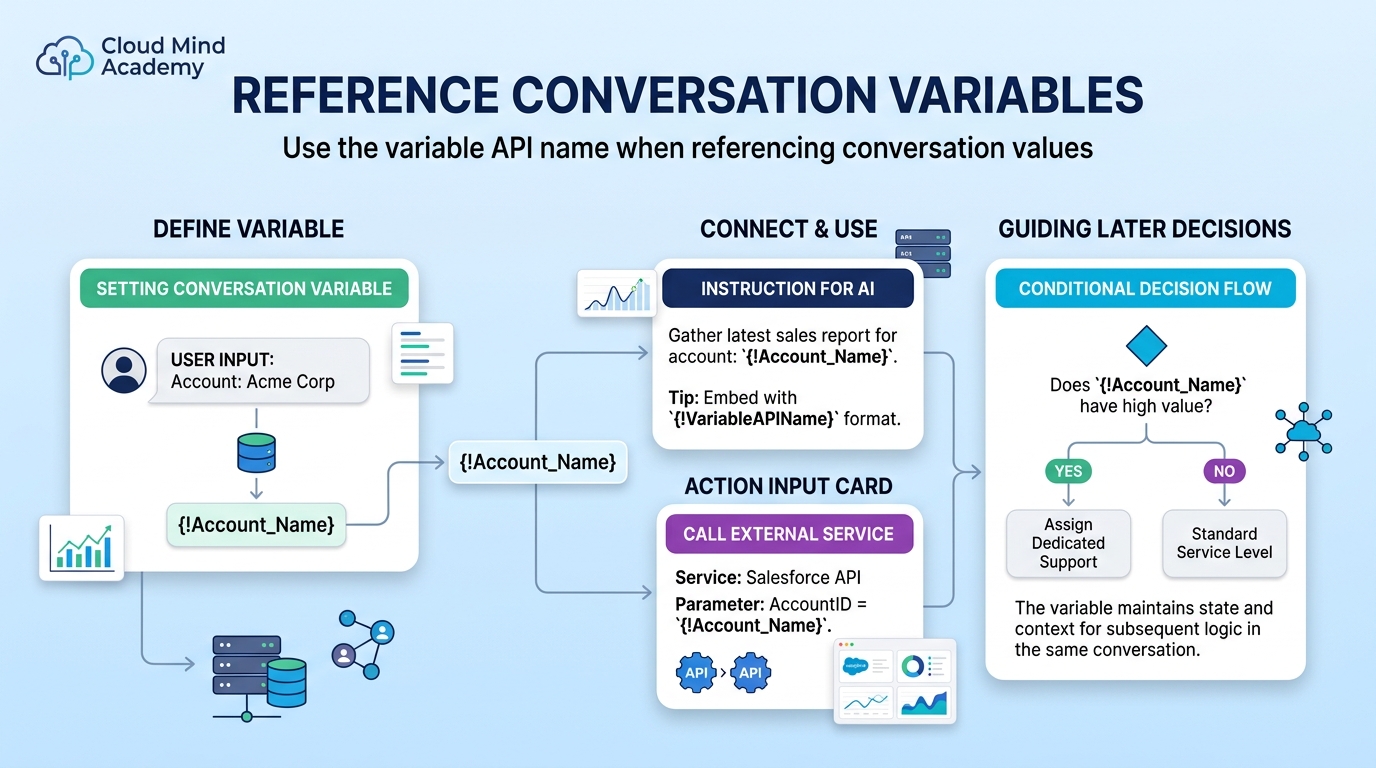
{!VariableAPIName}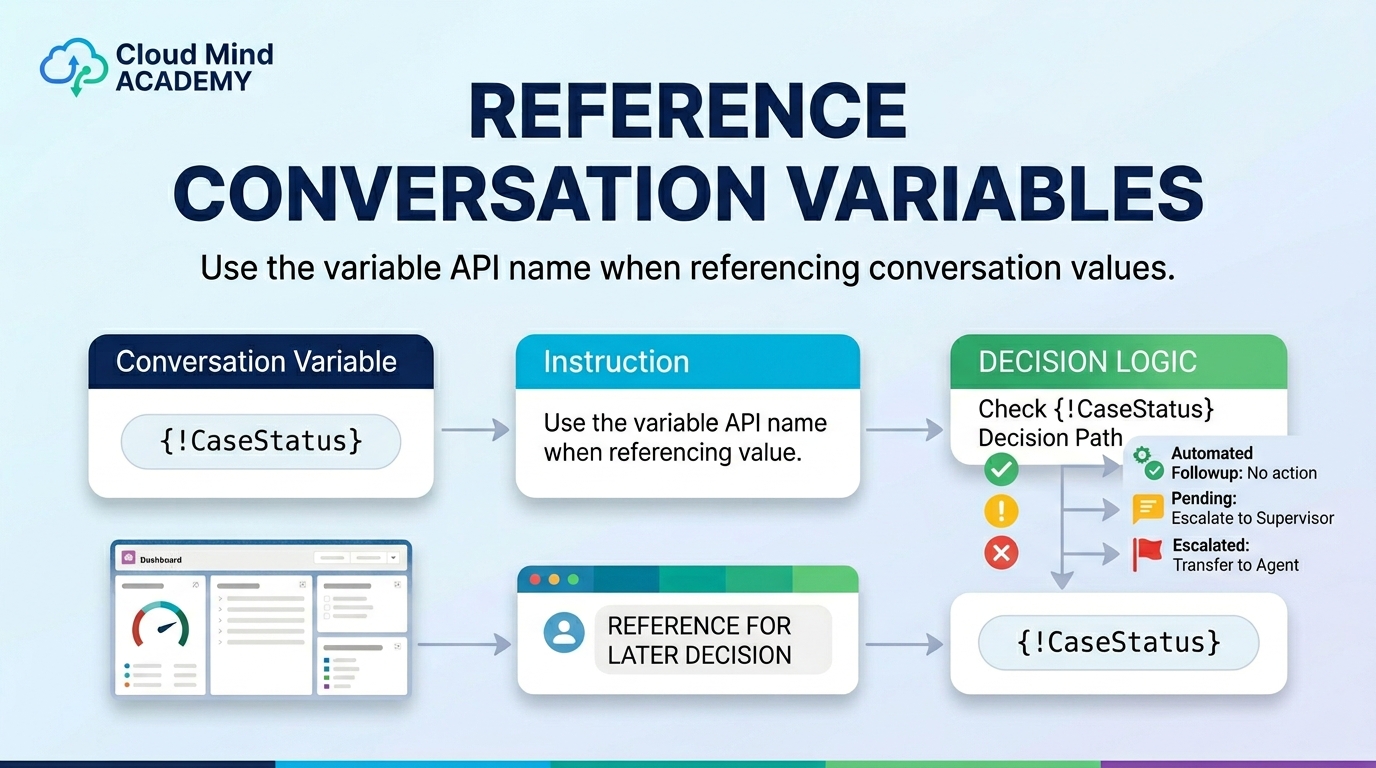
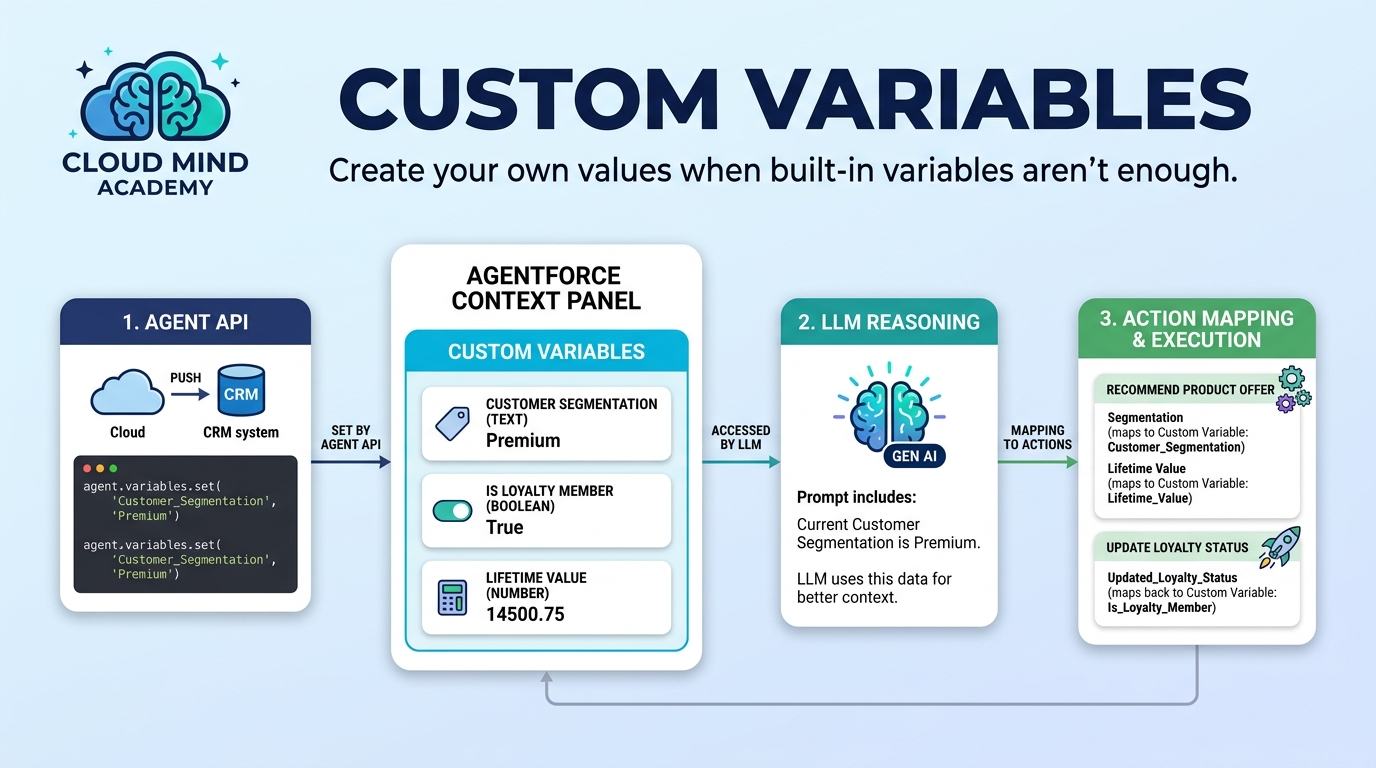
When built-in variables aren’t enough, you can define your own. Custom variables give you full control over how data flows through the agent.


Once variables are in place, filters define when an agent is allowed to use a topic or perform an action.

You can think of filters as checkpoints. If the required conditions are not met, the agent simply cannot proceed.

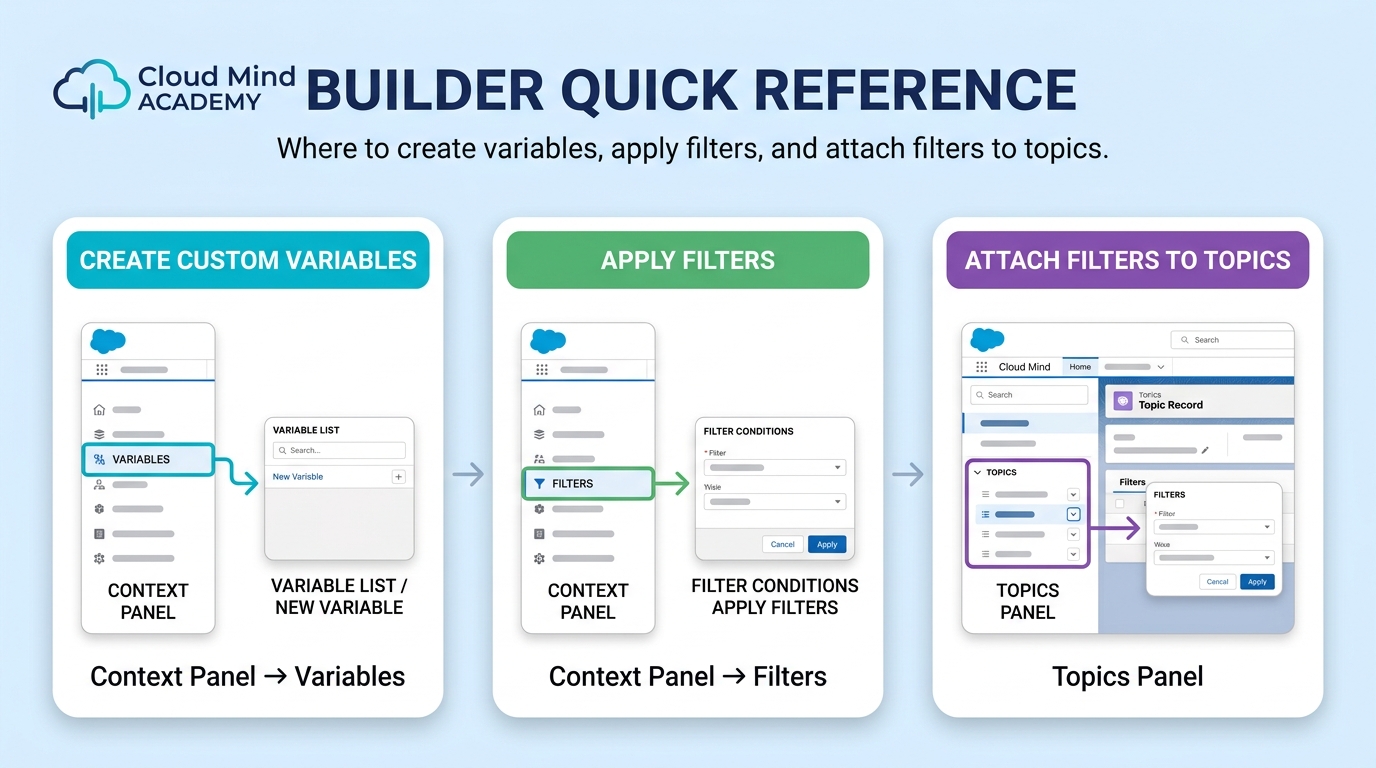
| Create Custom Variables | Context Panel → Variables |
| Apply Filters | Context Panel → Filters |
| Attach Filters to Topics | Topics Panel |
✔ You understand how variables remove randomness
✔ You can explain Context vs Conversation variables
✔ You know how filters control agent access
✔ You recognize how this supports secure agent behavior