See exactly how you’ll study with CloudMind
Built for busy professionals who want to master AI on Salesforce and turn it into a certification, a stronger CV and a bigger role. Every course pairs exam-guide lessons with practice exams that feel like the real thing, and a dashboard that tells you what to study next. Here’s a tour using real screens from our Data 360 Study Guide.


Practice that adapts to you
Every course has a study hub that remembers each answer you give. It is built on two of the best-proven study methods, practice testing and spaced review: students who practiced with tests remembered 61% of the material a week later, against 40% for students who reread it.
Build the quiz you need
- Pick topics, size and source. All questions, only new ones, the ones you missed, or the ones you flagged.
- Study mode or Exam mode. See the answer and explanation after every question, or go timed at the real exam pace.
- Weak spots in one tap. We find your two weakest topics and serve the questions you most need.

Study mode tells you straight away why the right answer is right.
Remember it on exam day
- Spaced-repetition flashcards. Cards come back after 1, 3, 7, 16 and 35 days, so you review just before you would forget.
- Mistakes become cards. Every question you miss in a quiz is scheduled for review automatically.
- Flag and take notes. Save tricky questions and keep private notes on any lesson, all in one Saved tab.


A plan that fits your week
- Set your exam date. Tell us the date and how many hours a week you have, and you get daily targets and a seven-day plan.
- Streaks and reminders. Keep your streak going. If you miss two days, Byte sends a friendly email (you choose).
- Pass readiness. A score weighted like the real exam shows when you are ready to book it.

See your progress
- Score trend. Every quiz and mock exam plotted against the pass mark.
- Activity map. Twelve weeks of study at a glance, plus your pace per question.
- Your way to read. Dark mode, larger text and your favorite video speed, saved to your account.


Sources: WashU (Roediger & Karpicke, 2006); APS (Dunlosky et al., 2013). Research figures are study averages, not a promise of your result.
One place that tells you what to do next
Log in and your dashboard is waiting. No hunting through menus to remember where you were.
- Pick up where you left off. One click takes you back to your last lesson or exam.
- Progress in every course, with lessons done and how long your access lasts.
- Exam domains to work on. We pool your last five exams and show your weakest domains first.
- Recent exam results so you can see your scores climb over time.

Lessons that follow the official exam guide
Courses are organized by exam domain, with the weighting shown, so you always know how much each topic counts.
- Visual models for every key idea: original diagrams, wide on a laptop and tall on a phone.
- Real org screenshots with numbered call-outs that show where each setting lives. Tap to zoom.
- Course contents always beside you, with a tick on each lesson you finish.
- Free preview lessons so you can try a course before you buy.


Byte cheers every lesson you finish
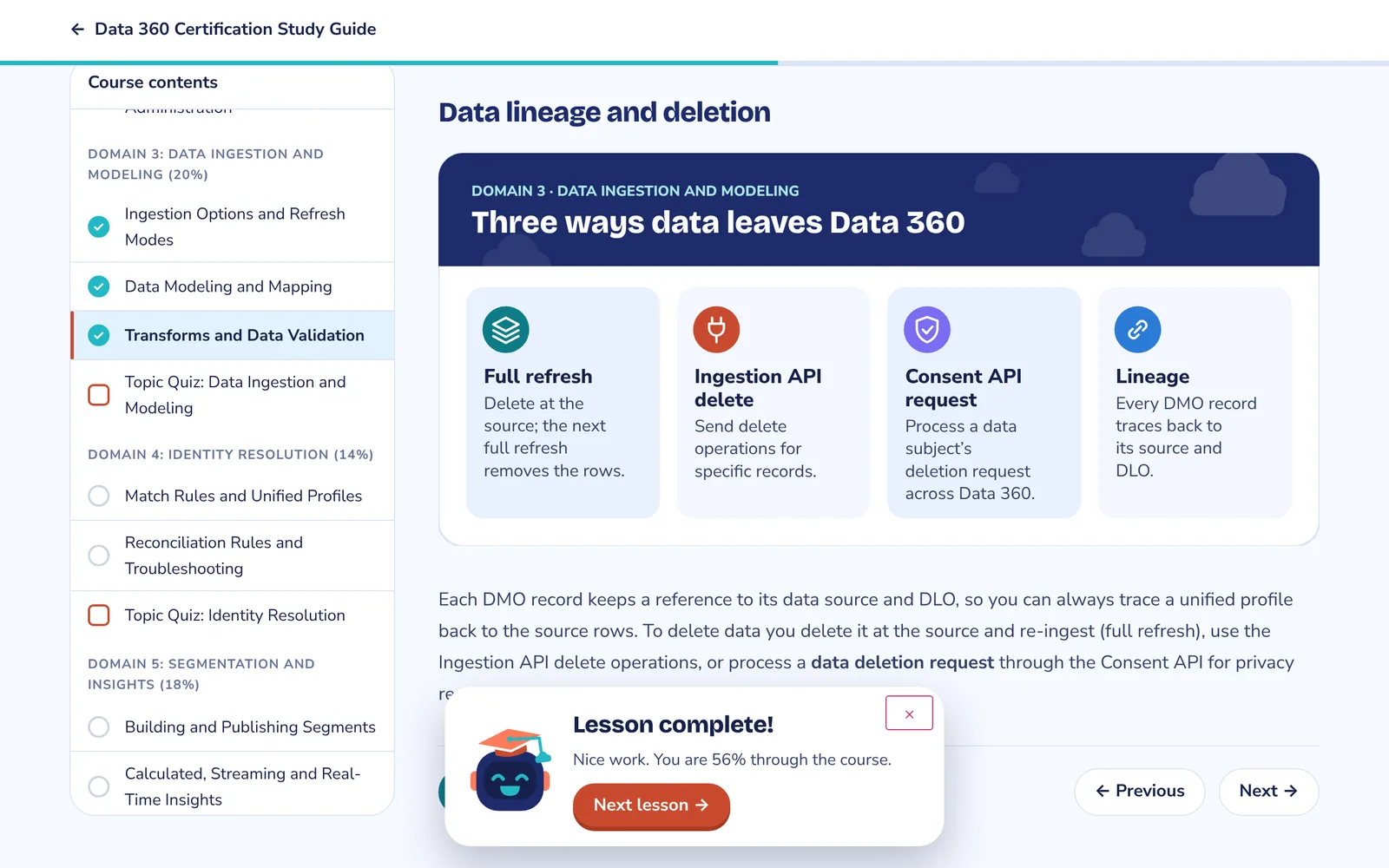
Mark a lesson complete and Byte, our study bot, pops up with a little confetti, shows how far through the course you are and points you to the next lesson.
Small wins add up. Seeing the progress bar move is a good reason to do one more lesson tonight.
Practice under real exam conditions
Topic quizzes check each domain as you go. Full mock exams match the real thing: same number of questions, same time limit, same pass mark.
- Weighted like the real exam. Questions are drawn by domain weight, and every attempt gets a fresh mix.
- A countdown timer so you learn to pace yourself.
- Question navigator and flag for review, just like the exam software.
- Score by domain, weakest first, the moment you submit.


Every answer explained, not just marked
After each exam, review every question. You see your answer, the correct one, and why. That’s where the real learning happens.
Your answer
Highlighted in red when it’s wrong, so mistakes are impossible to miss.
The correct answer
Shown in green right underneath.
Why it’s right, and why the others aren’t
A plain-English explanation of the concept the question is testing.
A screenshot from a real org
Many explanations include an annotated screenshot, so you see the setting, not just read about it.
Filter the review to incorrect or flagged questions to focus your revision.

Study on the bus, practice on the sofa
Everything works on your phone: lessons, diagrams sized for small screens, full mock exams and reviews.


Questions people ask
How long do I keep access?
Each course page shows its access period before you buy. Your dashboard shows it for every course you own.
Can I retake practice exams?
Yes, as often as you like. Each attempt draws a new mix of questions, and all your past attempts stay on the exam page.
Can I try before I buy?
Yes. Look for the free preview lesson on each course page.
Do I need a Salesforce org?
No, but it helps. Our screenshots come from a real org, so you can follow along in a free Developer Edition org.
Ready to grow your career with AI?
Jobs that ask for AI skills advertise 28% higher pay on average (Lightcast, 2025). Pick a course, try the free preview, and let your dashboard guide you to exam day.
